Product Review: TRANSFORMERS CONSTRUCT-BOTS

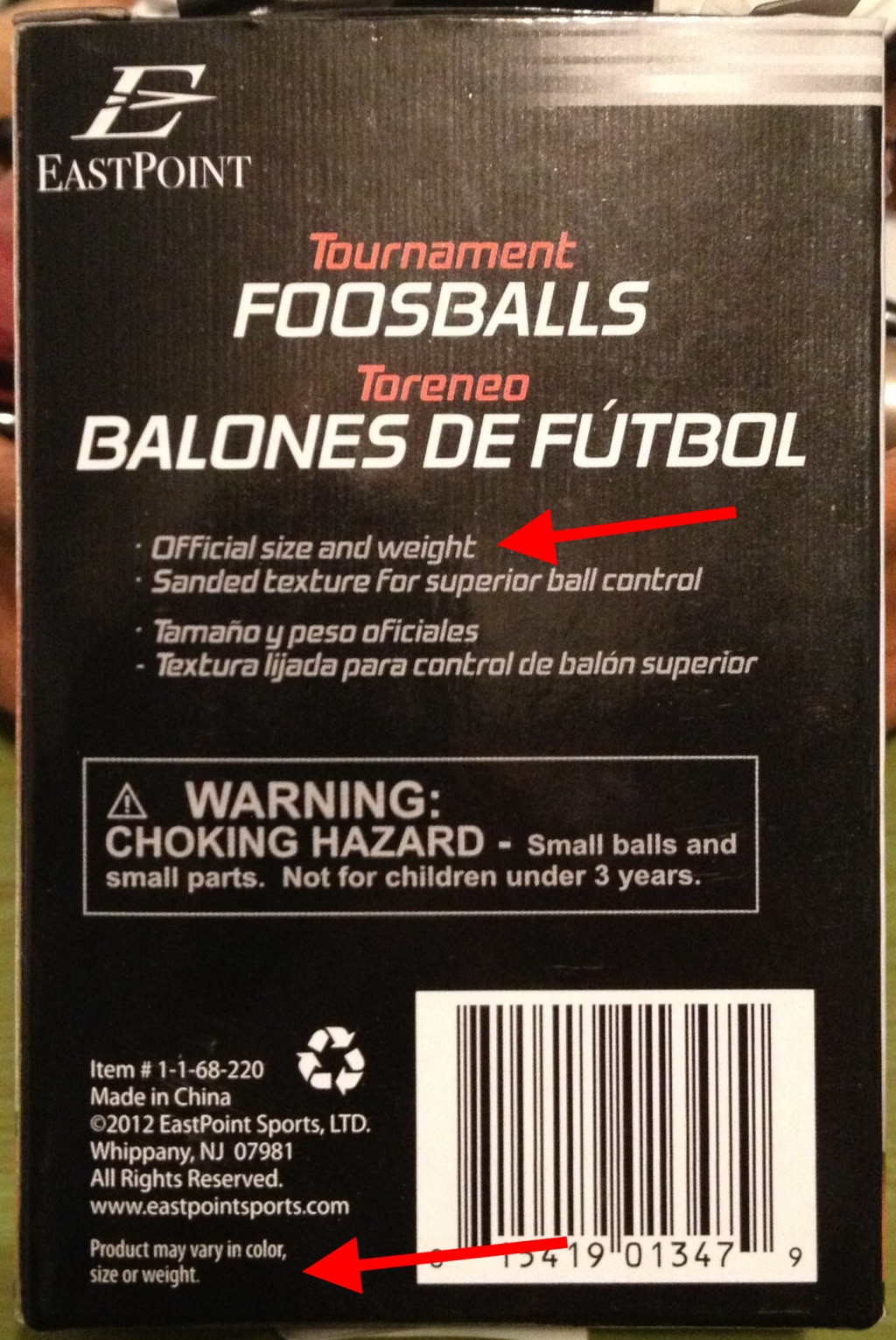
Photo of box

“Construct-Bots are a brand-new way to play with Transformers. Your kids can construct and customize their favorite Transformers characters, mix and match across sets to create their own new Transformers and convert their creations easily between robot and vehicle modes without taking anything apart.”

https://transformers.hasbro.com/en-us/search?q=construct+bots

I’m a member of a social marketing community called BzzAgent where they send product samples and coupons to members and let them try out products and then the members review those products to create a buzz.

Last week I received a product sample for the Transformers Construct-Bots toy.  It’s two toys in one box.  Both toys are in pieces and include instructions for snapping them together and for transforming them from robot to vehicle and back.

I gave this toy to my 11 year old, who is a master of construction toys and he pretty much loved it.  His first comment was that his friend was talking about the toy at school recently and his friend liked that you didn’t have to take it apart to transform it.

IMG_5229

When my boy opened it up and started snapping it together, he made the comment that the instructions ought to be a little more accurate on the colors.  I noticed that some of the pieces were multi-colored, but the instructions only showed the main color.  That’s sort of a nit, but my boy knew we would be reviewing the toy online, so he made sure I knew about every single little thing that he found wrong with it.  🙂

IMG_5230

Another thing he pointed out was that the ball joint inside the head was really tight and made it difficult to snap the head into place.  One other problem he had was that there was one transform instruction where the legs get turned around backwards and he did not understand that one instruction so he ignored it and then later had trouble with another instruction that didn’t work with the legs not turned around.  I thought the instructions were pretty clear, but I suppose if there was a way to show flipping around 180 degrees rather than just putting a small arrow in the instructions, that would have been more clear.

When the toys were completely put together and transformed from robot to vehicle and back, both my boys had fun playing with them.  The next day when grandparents came over to visit, my 11 year old immediately ran to get his new Transformer Construct-Bots toys to show them off.  He’s pretty happy with this toy.  And I’m happy with it too.  It appears to be a well designed and well made toy for ages 7 and up.

IMG_5238

If you are planning to purchase the double set (also called the Ultimate set), let me know because I have significant coupons for that set.  Contact me via phone or use the email me link on my website.

Kurt


VOB file fixer quickly and easily fixes incorrect video length

I’m blogging about this because I had a terrible time finding a solution to my problem and I want to help other people who are having the same problem.

A while back I was digitizing old VHS tapes using my DVD/VCR combo player/recorder.  I was creating raw DVDs from old VHS tapes and then taking the raw DVDs and copying them onto my laptop for editing.  But sometimes the VOB files that were created by the DVD recorder would have terribly incorrect lengths when viewed on my PC.  For example, a 30 minute VOB file would show up and play as a 10 second long VOB file on my PC.  This incorrect time was keeping my PC software from being able to view and edit the VOB files.  Apparently this is a fairly common problem with some DVD recorders, since this VOB length information is not actually used by many consumer electronic devices.

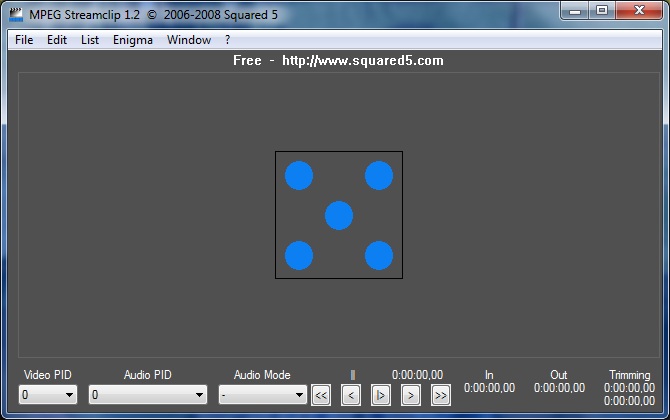
It took me a while, but I was finally able to find a simple and free utility called MPEG Streamclip that was able to fix the VOB file length data without having to completely render the entire VOB.  This program has a terrible user interface and it also has a couple of quirks.  For example, it gives me a couple errors regarding some Apple Quicktime software that is not installed on my system, but it did what I needed it to do anyways.  But what do you expect for free, huh?

MPEG Streamclip screen shot

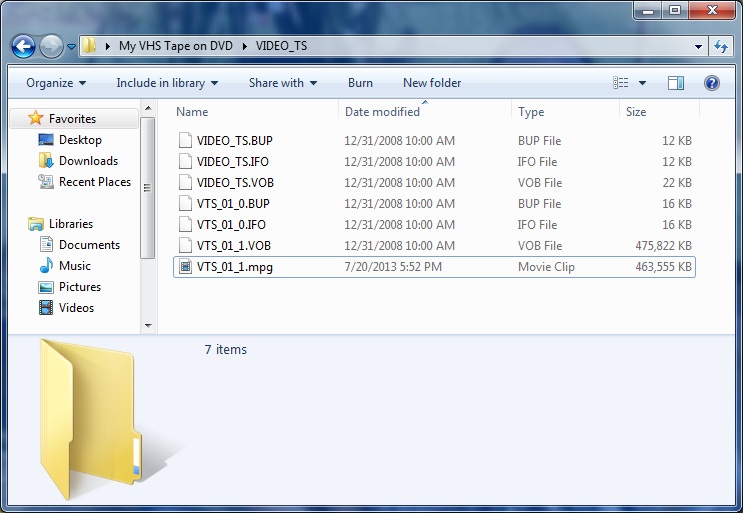
When you tell it to open a VOB that has incorrect length information, it realizes the problem during the open operation and prompts you to fix the timecode breaks or not.  Once it fixes the timecode breaks, you can save as MPG (not Export … Save As) which doesn’t perform any processing nor rendering of the file because the VOB was in MPG format already, or you can export into a number of different video formats.

broken and fixed VOB file

One other thing.  MPEG Streamclip does not require admin rights to install on your PC.  Just download the zip, unzip it, and run the executable.  Here is the website where you can download the utility.  Have fun!

http://www.squared5.com/

Kurt

Postscript: In January 2017 I got a new PC and MPEG Streamclip refused to run until I installed the Alternate Quicktime package that it pointed me to.  This Alternate Quicktime package does require admin rights to install.

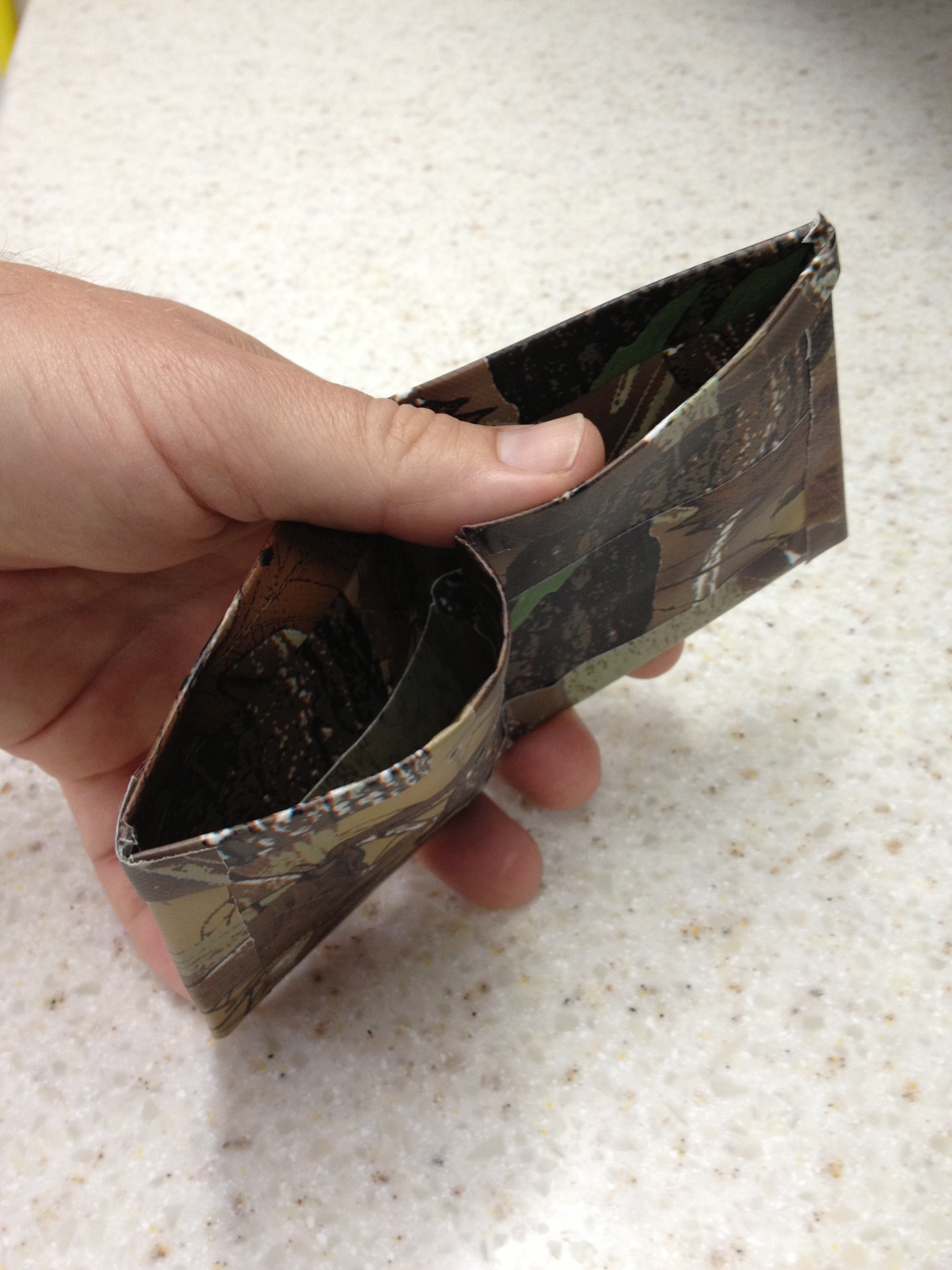
Duct Tape Wallet: simple instructions from a 10 year old

[This is a simple and fun craft that you can do with your kids!  And it doesn’t even make a mess!  You can find all kinds of colorful and cool duct tape styles at the store these days.  I’m posting these instructions and photos for my son who wants to share them with the world.]

I’m 10 years old and here are my instructions for a duct tape wallet.  My dad took the photos and he also put it on his web site since I don’t have one yet.

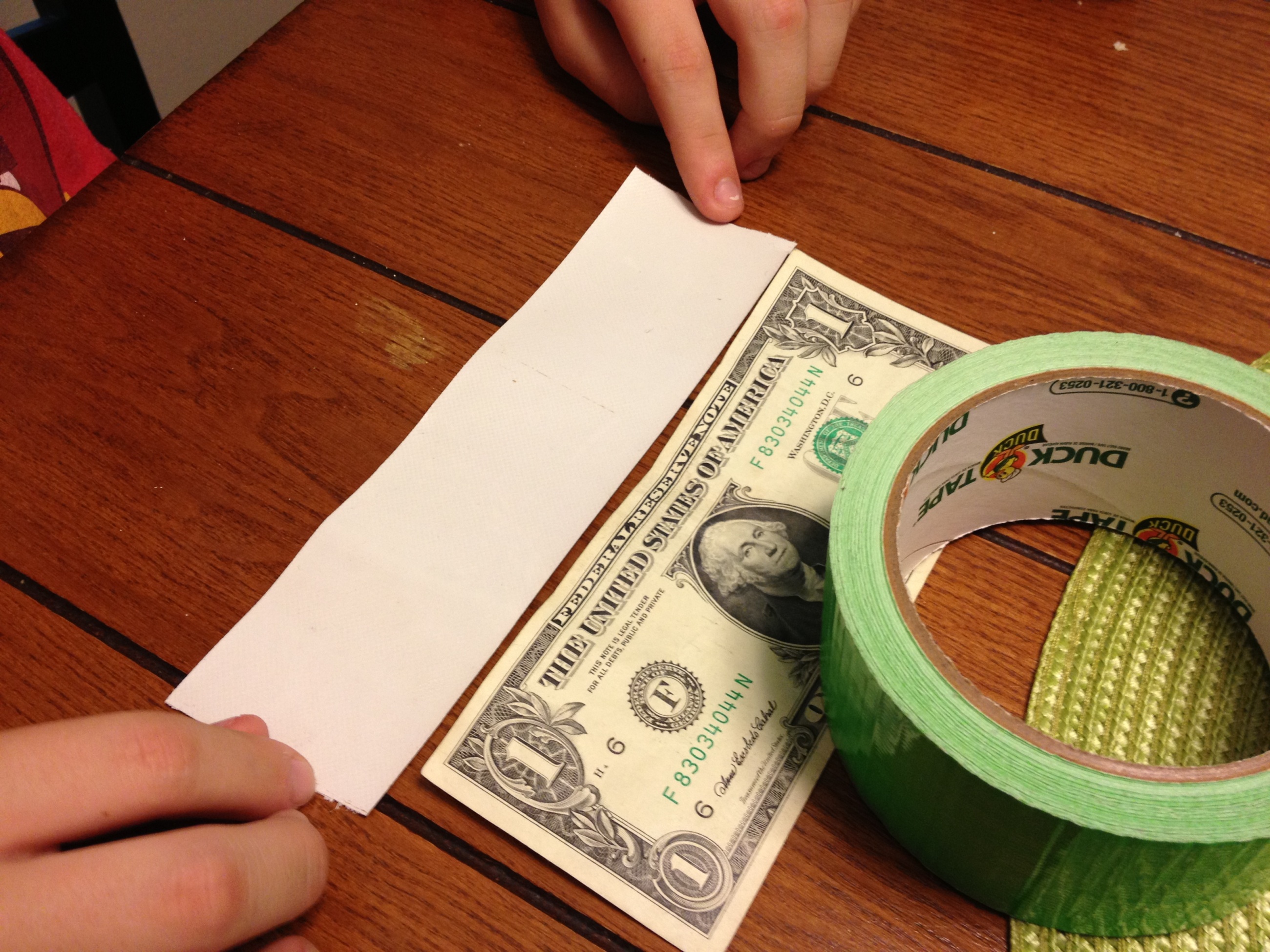
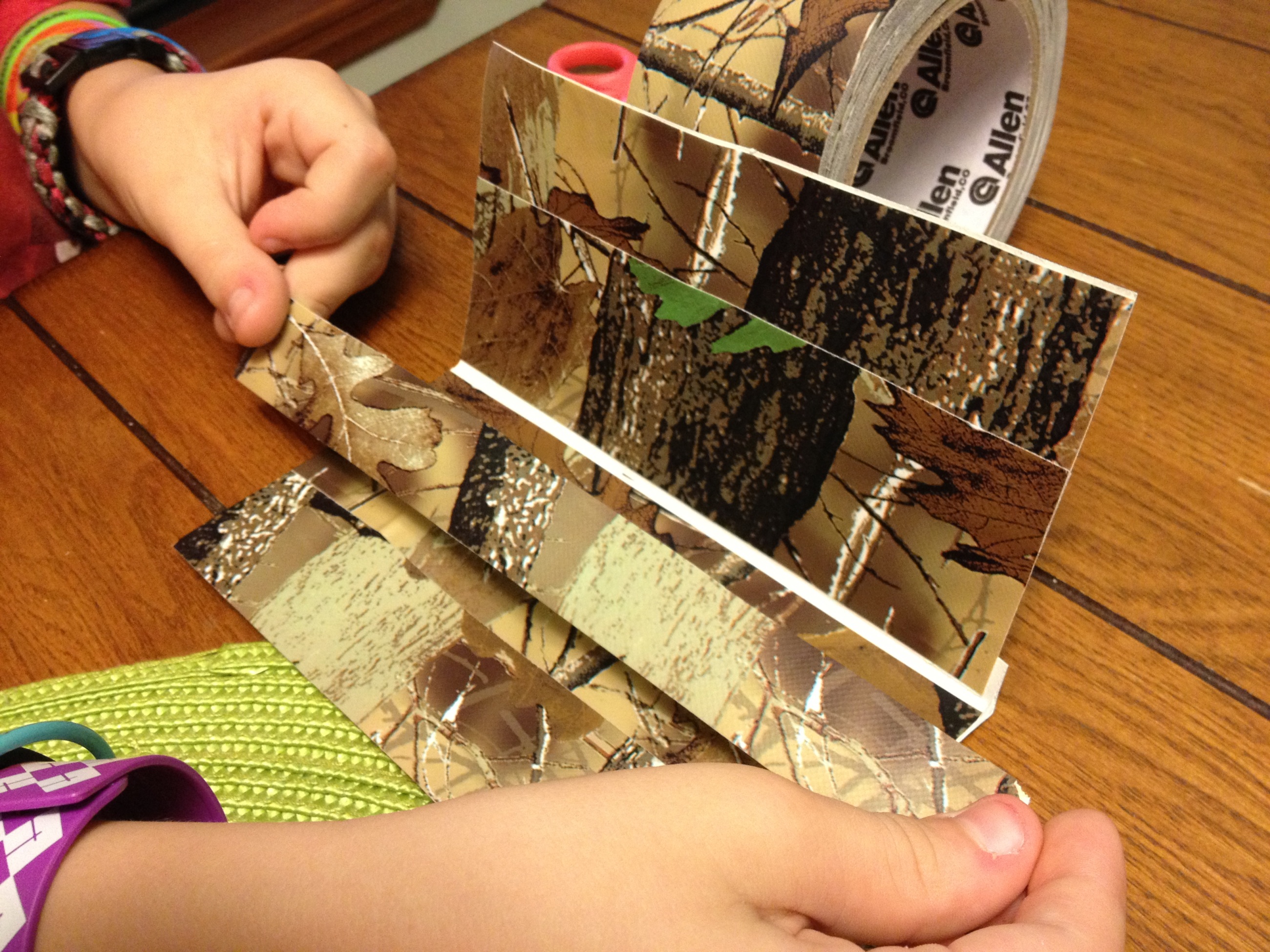
First get a dollar bill to use for reference.  Then cut a piece of duct tape an inch or more longer than the bill.

1

Place it face up so it doesn’t stick to the table.

2

You will need two of these.

3

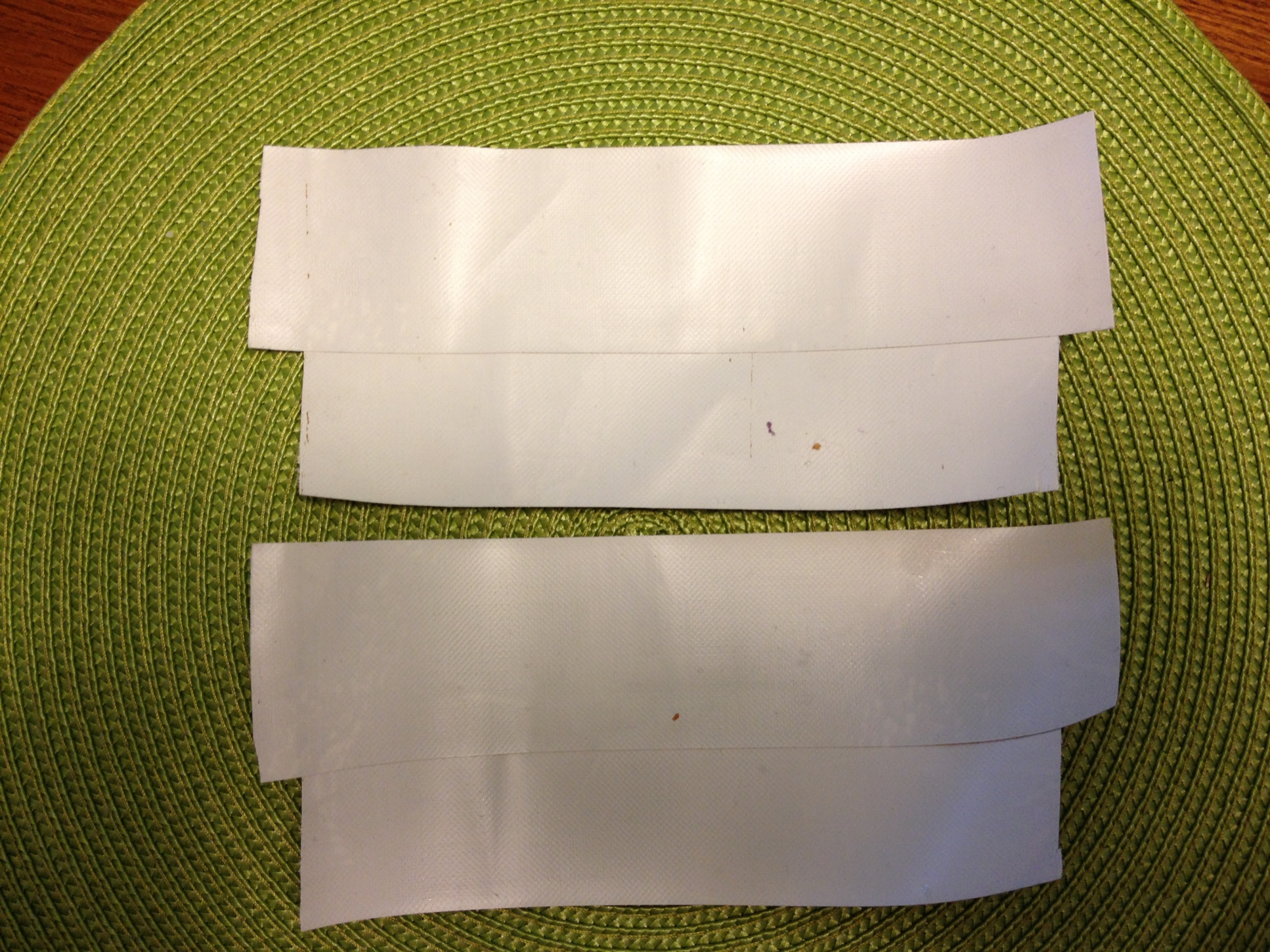
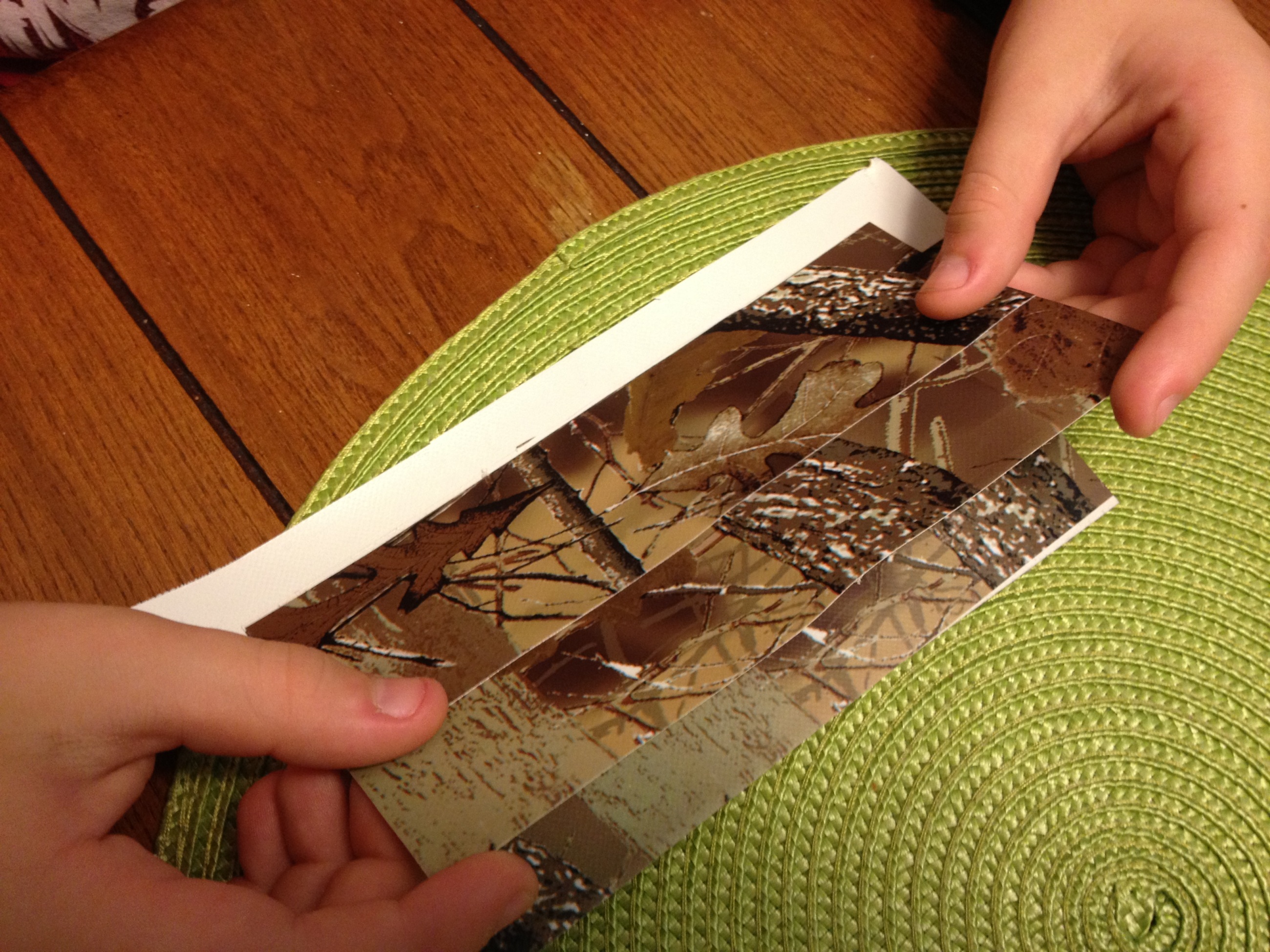
Now put the two pieces together lengthwise so one overlaps the other a little bit.

4

Repeat so that you have two sheets.

5

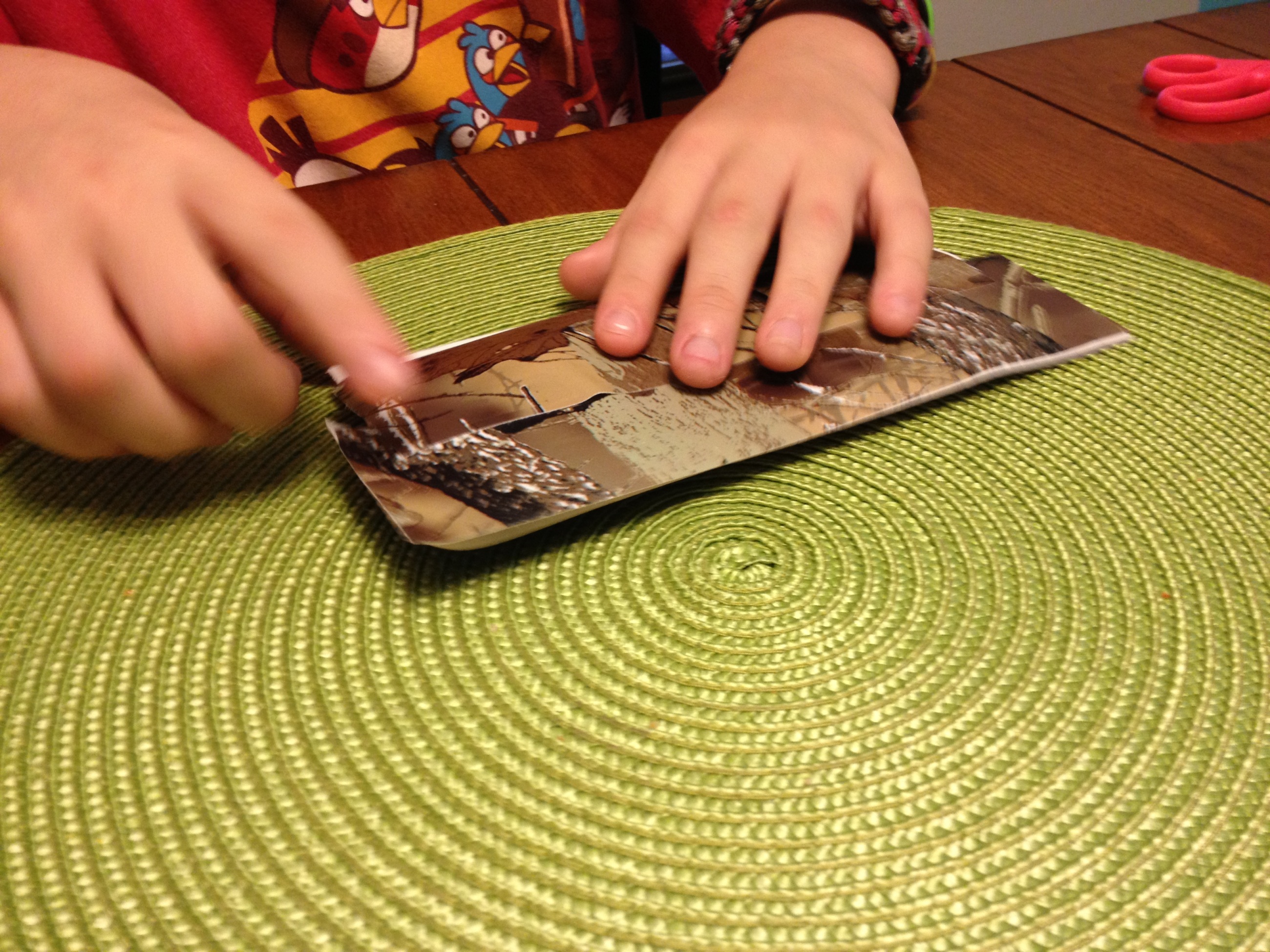
Now carefully put their sticky sides together.

6

It doesn’t have to be perfect, but try to get them pretty close to even.  Also try to smooth out any wrinkles or bubbles.

7

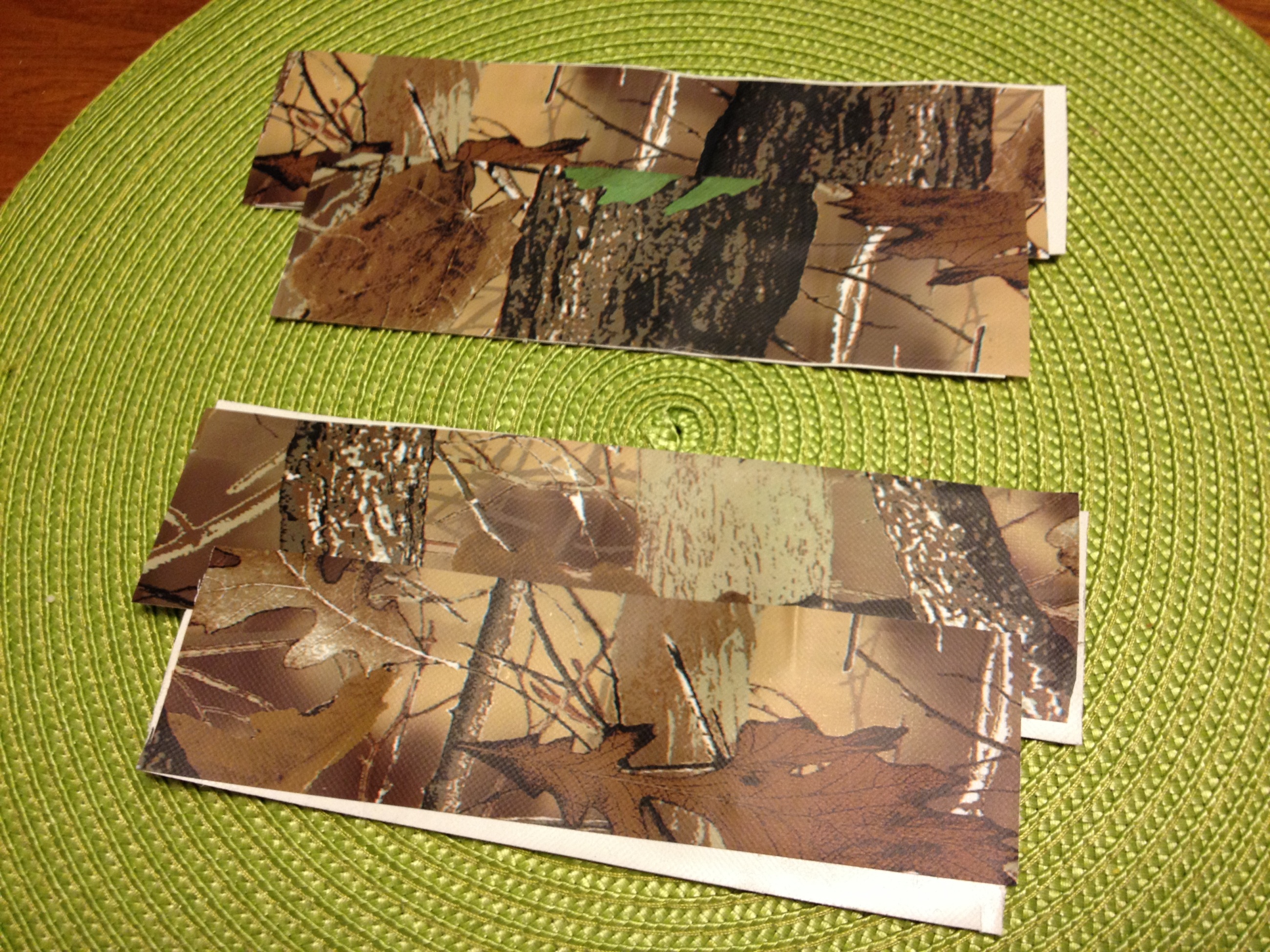
Now do all of that again because you will actually need two of these.

8

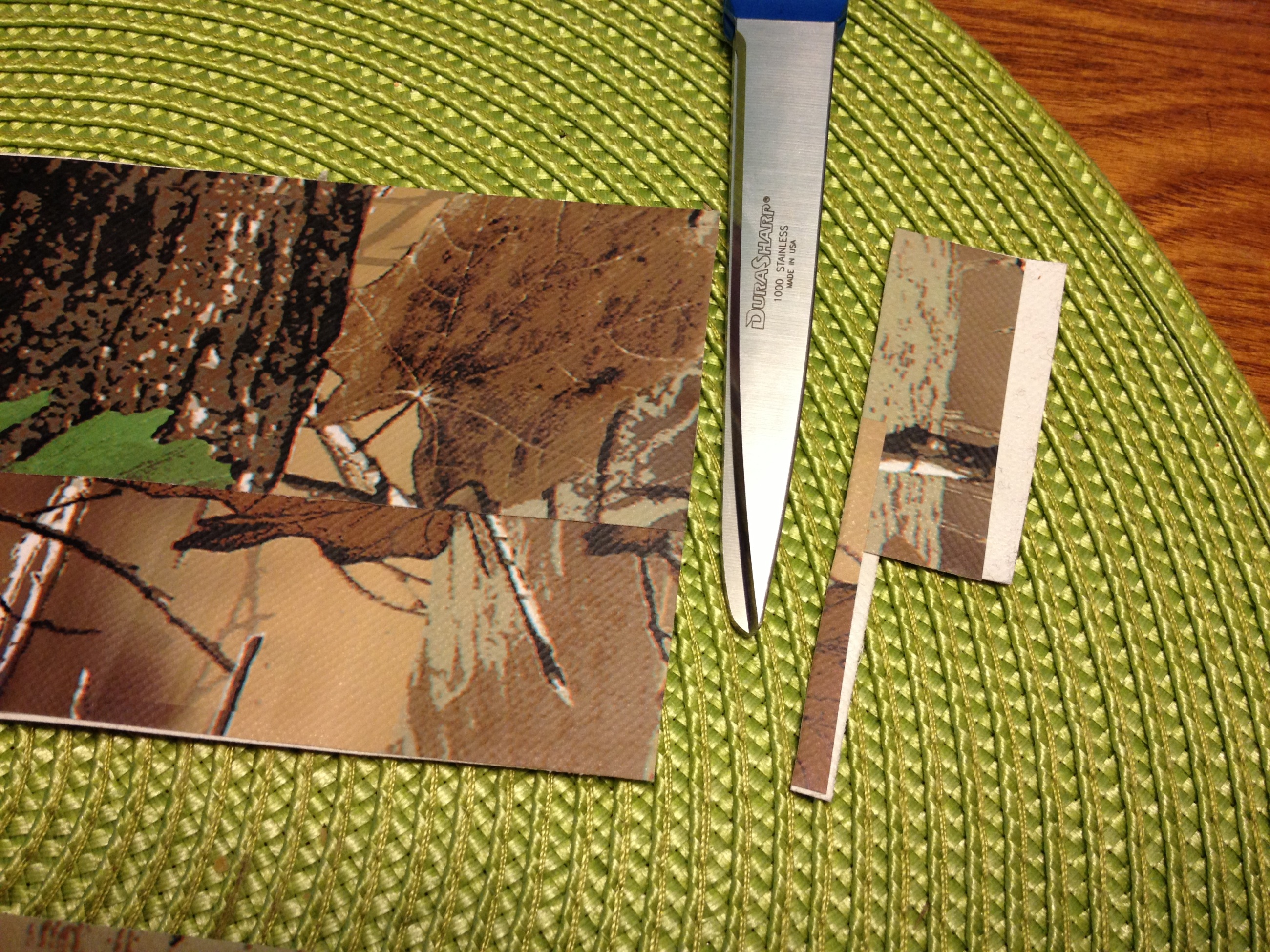
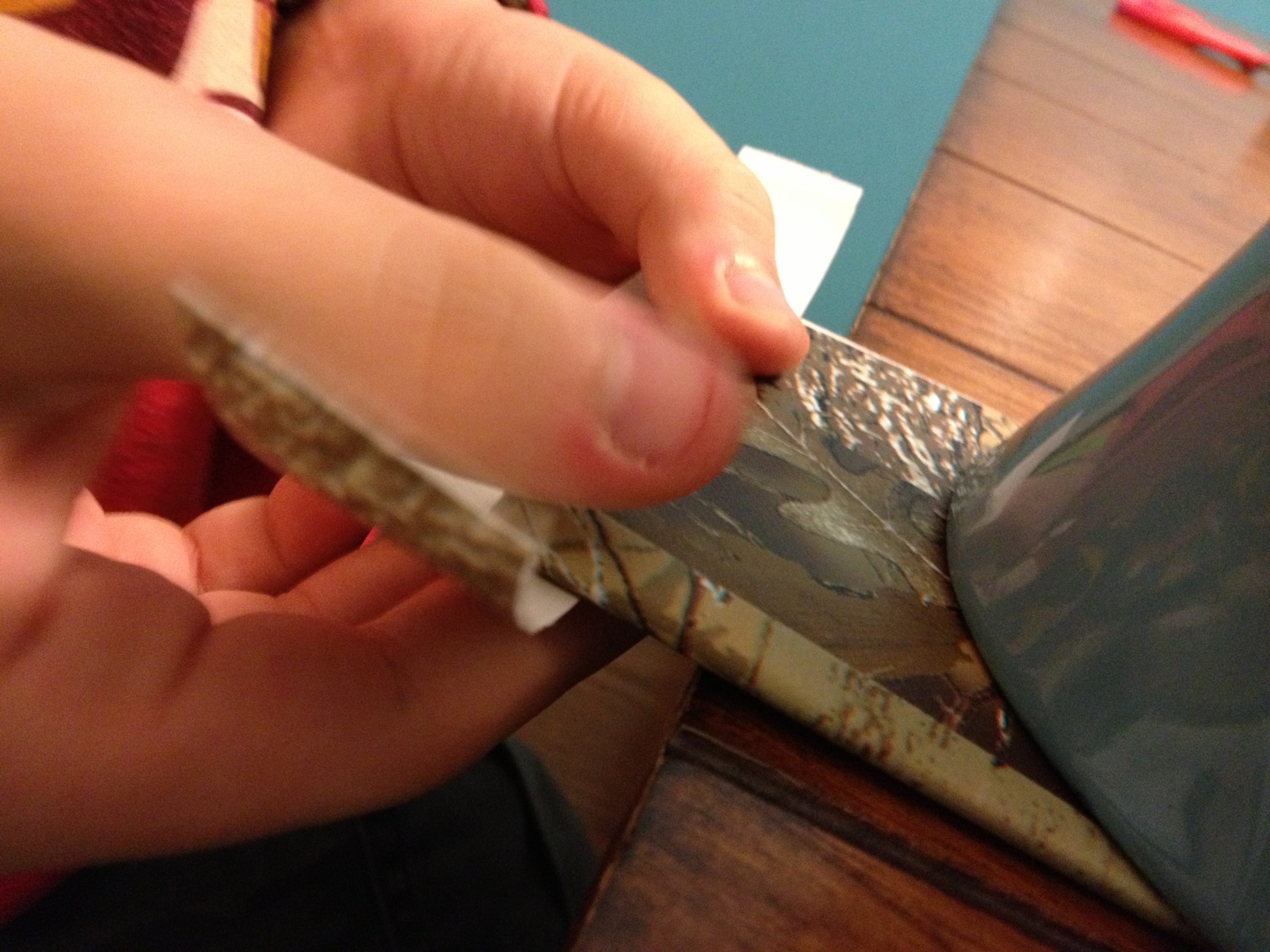
Now cut off both ends to make a nice rectangle.

9

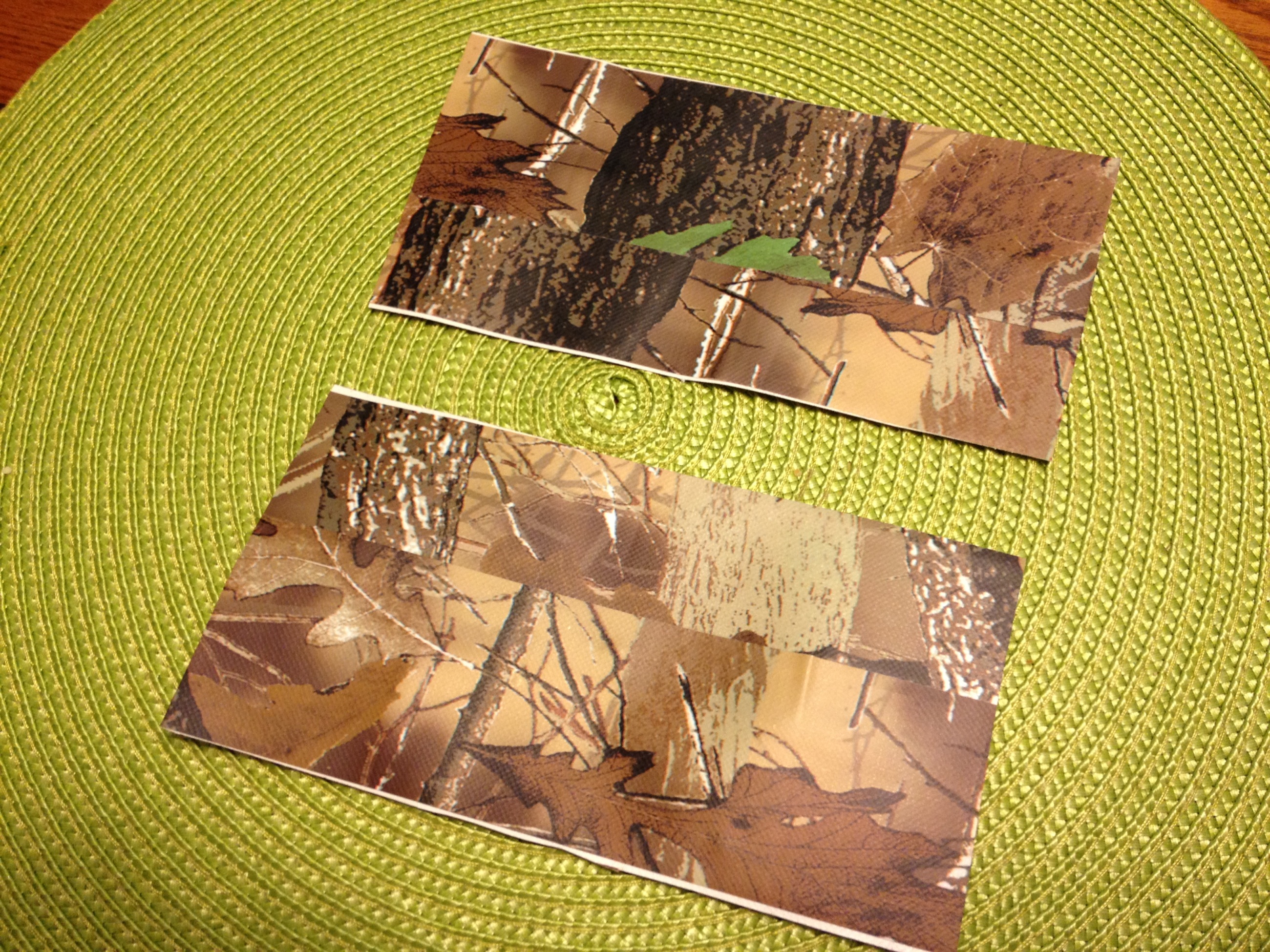
These are now the front and back walls of your duct tape wallet.

10

A fit check should show that the dollar bill fits inside.

11

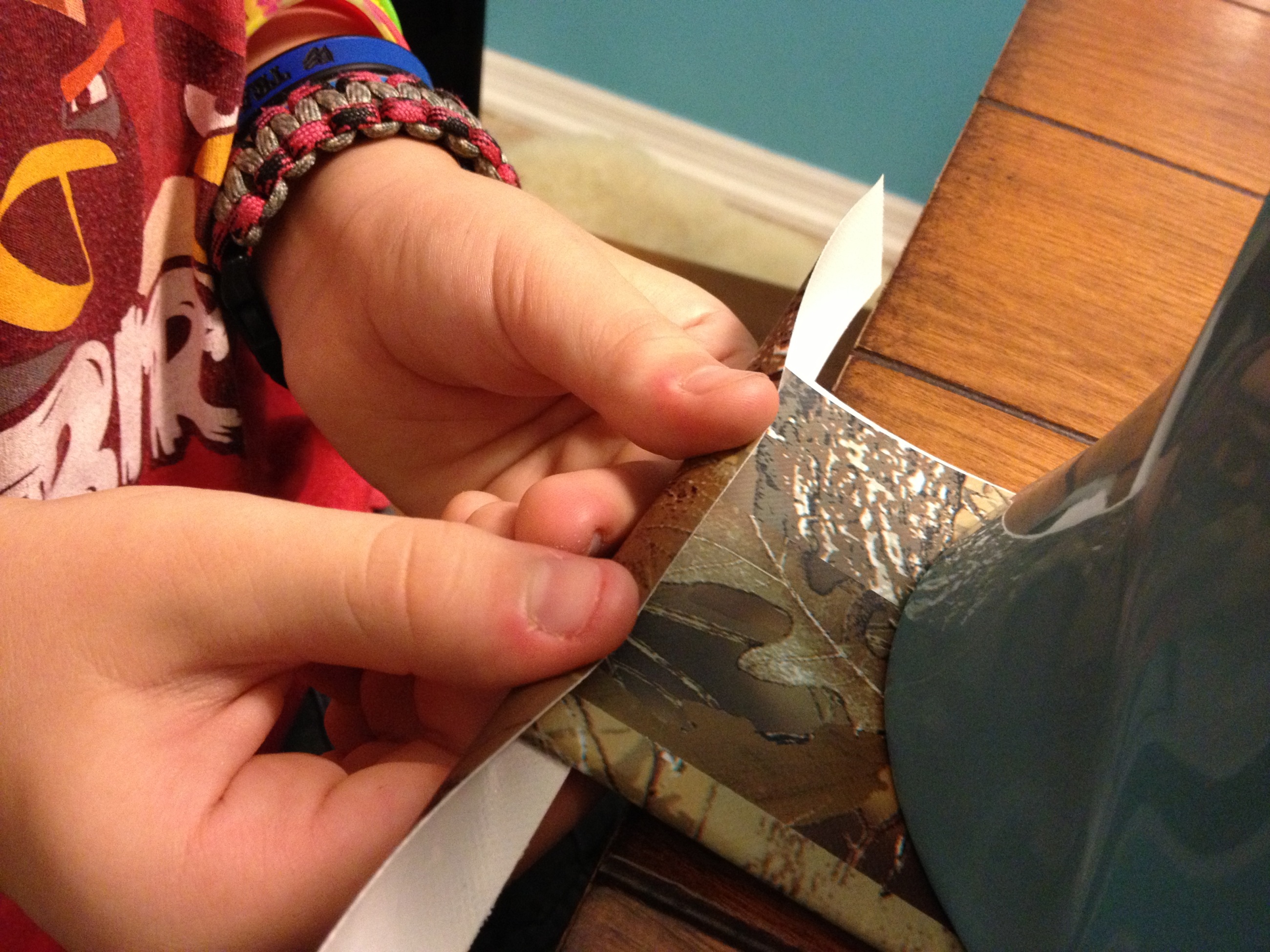
Now cut another strip of duct tape that is longer than the dollar bill and then cut that strip long ways down the middle to make a thin long strip of duct tape.  Having three hands definitely helps here.  🙂

12

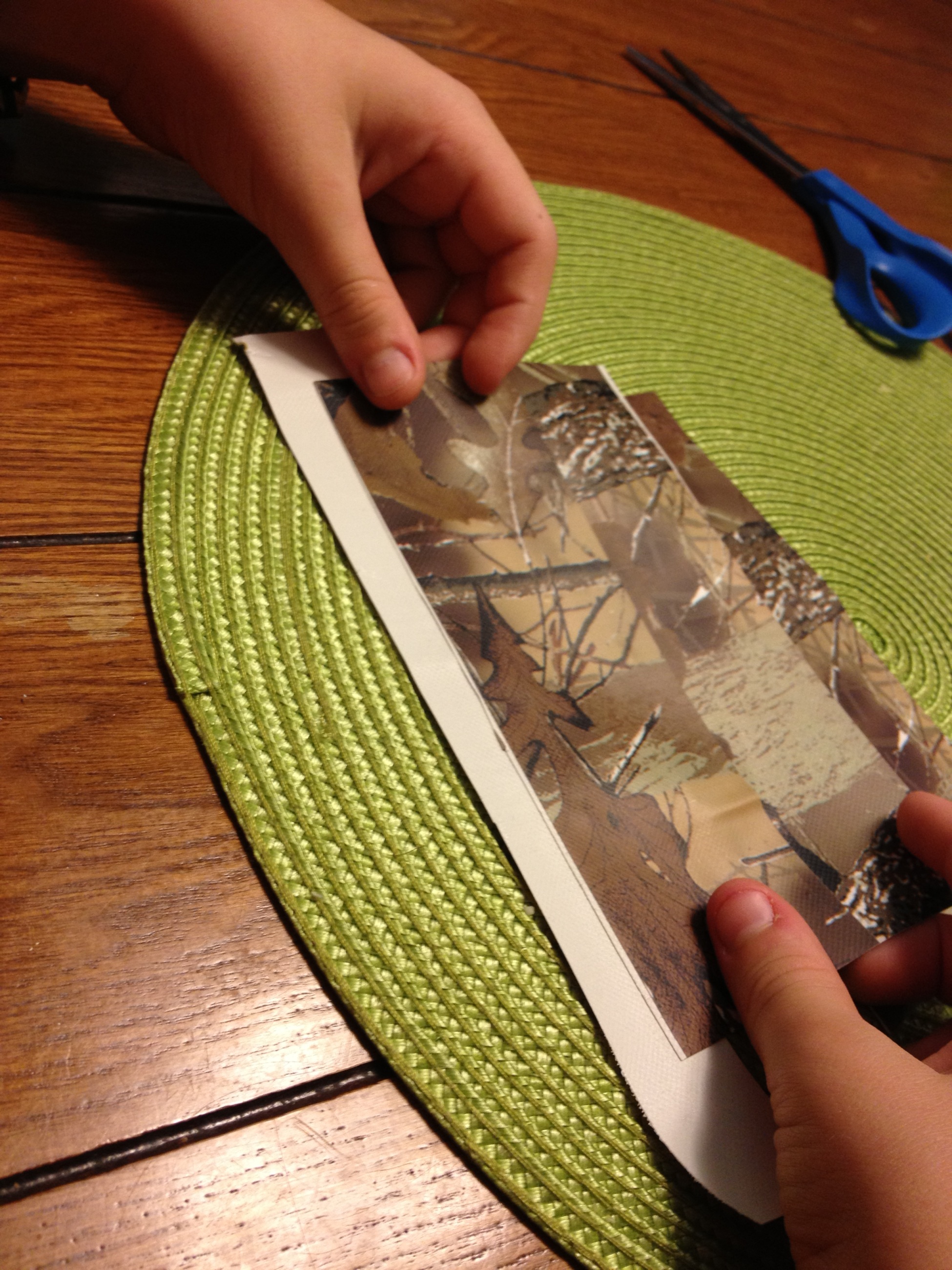
Attach one strip along the bottom long edge of one of the wall pieces so that half is attached and half is still showing.

13

Now carefully lay the other wall piece directly on top.

14

Now roll the long strip over to attach the two wall pieces together.  This long thin strip is now the bottom of your wallet.

15

We don’t want any sticky duct tape inside there to stick to our dollar bills, so take the other half of the long thin strip and place it over the first half.

16

Now use another thin strip of duct tape that has been cut long ways in half to seal up one side of your duct tape wallet.

17

Do this on both sides.

18

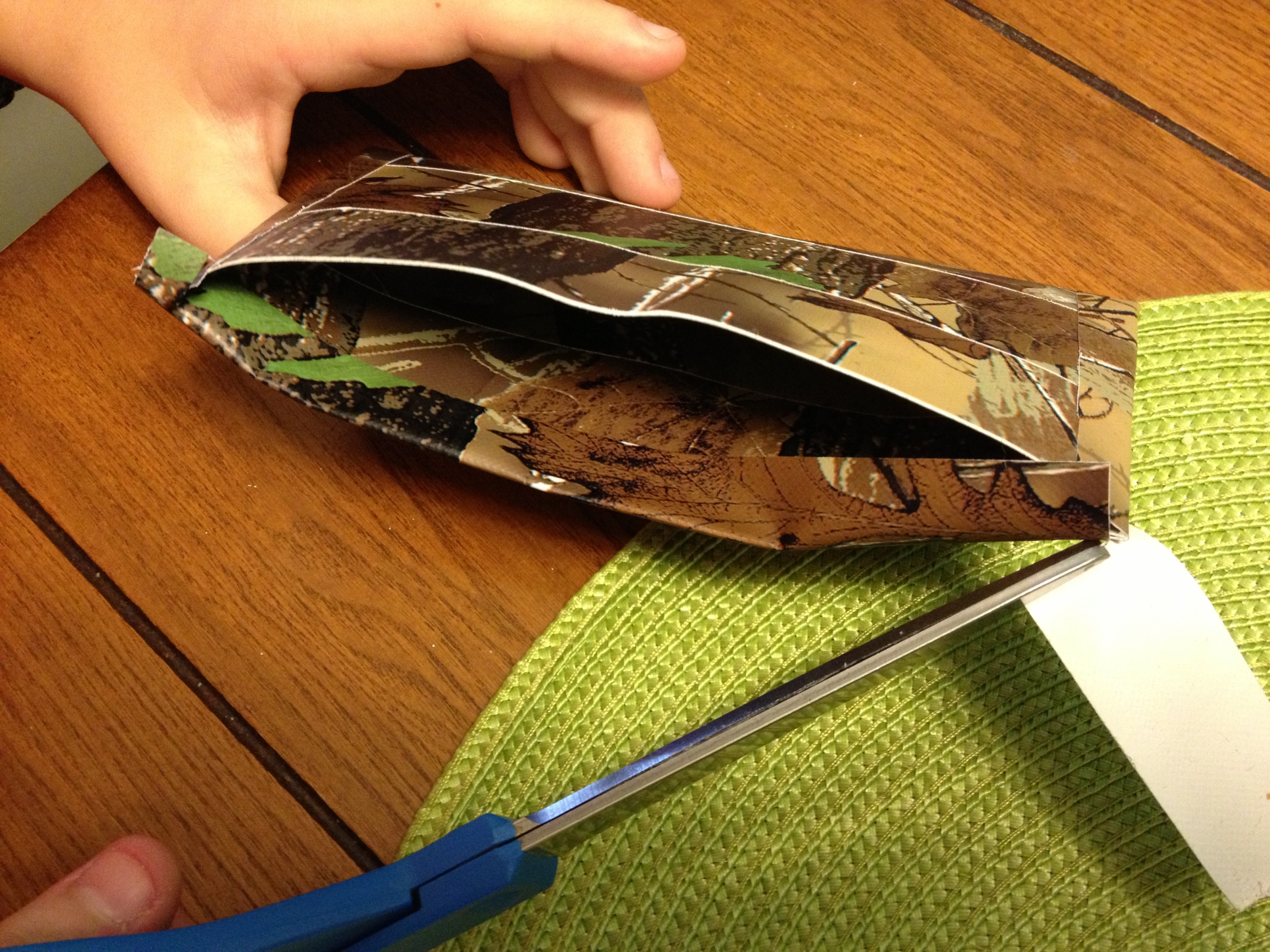
Now the top edges need to be sealed off with a couple more of those thin half strips of duct tape.  Just cut them off a bit short of the edge and tuck them inside.

19

That’s it!  Pretty easy, huh?!?!

20

Thanks for reading my duct tape wallet instructions!

[Let us know using the “email us” link or using the blog comments if you have any suggestions or if you made your own duct tape wallet or duct tape craft that you’d like to share with the world!]


Some interesting stats about leucht.com

Computer nerds and statistics nerds unite!  Here are some interesting stats and facts about my website, courtesy of Google Analytics:

After nearly 6 years of collecting site visitor data (68 months, actually), there were nearly 80,500 site visitors.  These are not page hits … these are unique visits to the site, each of which may include multiple page views.  There are actually an average of 1.94 page views per visit.  (The site has been around since 1999, but I didn’t hook up Google Analytics till late in 2007.)

  • That’s about 1,200 site visitors per month
  • or about 300 per week
  • or about 40 per day

website visitors

The website leucht.com is just a little unassuming no-frills family website, so I wouldn’t expect much more daily traffic than this.  And most of this traffic is probably just search engines crawling the site.  You can see by the 6 year data plots above that the traffic is pretty stable over that 6 year period.  It’s not growing significantly and it’s not falling significantly over the long term.

So which portions of this little family website have been the most popular over these 6 years?  I’m glad you asked.  Here are the top 10 pages of all time on the leucht.com website:

Page Views
1 My Yard Shed Plans     18,180
2 Our Dr Seuss Room     15,741
3 Superman Comic Book PhotoChop       9,437
4 Annie Musical at CVP       9,047
5 Make Your Own Gravity Boots       5,640
6 Swing Musical at CVP       4,647
7 Main leucht.com landing page       4,387
8 History of the Leucht Family       3,862
9 Curtains Musical at CVP       3,026
10 Children of Eden Musical at CVP       2,678

So why are these particular pages the most popular on my site?   More than 85 percent of my traffic comes from web searches like google, yahoo, and bing.   So it looks like my yard shed page is scoring high enough on those search engines to get people to click on it.  Surprising, I know.  This sort of do it yourself content is exactly what I had hoped this website would be good for when I envisioned it way back in 1999.  So I am really stoked to see that page at the top of the list.

I just performed a google search for the phrase “dr seuss room” and my Dr Seuss room page was at the top of page 9 which makes it the 81st google result, I believe.  So my Seuss Room page ranks among the top 100 Seuss Room pages in the entire google-verse!  That’s fairly exciting for a small time family website developer like me!

As for the Superman comic book cover photo-chop page, I’m assuming that those people are really looking for Superman comic books or something and are probably sadly disappointed when they click over to my photo-chop contest page.

Similarly, nearly half of my top pages are personal photo albums and archives from Cocoa Village Playhouse musicals that I’ve been in.  I’m guessing that just a few of my CVP friends are looking at those, but the rest are probably people who are looking for the broadway musicals or productions in their own towns or something.  Sorry, folks.

One more dataset and then I’ll end this.  The table above shows the top 10  pages of all time over the total 6 year period.  But I have some newer content that hasn’t been around for that long that may be just as popular.  So here are the top 10 pages over just the past year:

Page Views
1 Make Your Own Gravity Boots      2,910
2 Superman Comic Book PhotoChop      1,724
3 Annie Musical at CVP      1,415
4 My Yard Shed Plans      1,153
5 Our Dr Seuss Room      1,014
6 My Folding Workbench      1,009
7 Replace a Windowsill on Block Wall         896
8 Main leucht.com landing page         636
9 History of the Leucht Family         622
10 Curtains Musical at CVP         566

It’s nice to see my gravity boot blog post up at the top.  That must be a popular thing these days.  There are two pages on this top 10 list that were not on the all time top 10 list.  A blog post about my folding workbench and a blog post about how to replace a windowsill on a concrete block wall.  I’m happy to see both of these posts in the top 10 and it will be exciting to see other similar do-it-yourself posts rise to the top over time.

Thanks for your support of this website and blog,
Kurt


Thanks for visiting,
Kurt & Sam Leucht
Titusville, FL
http://www.leucht.com/
Email Us or Give Feedback!
(Report a Problem, Request a Feature)